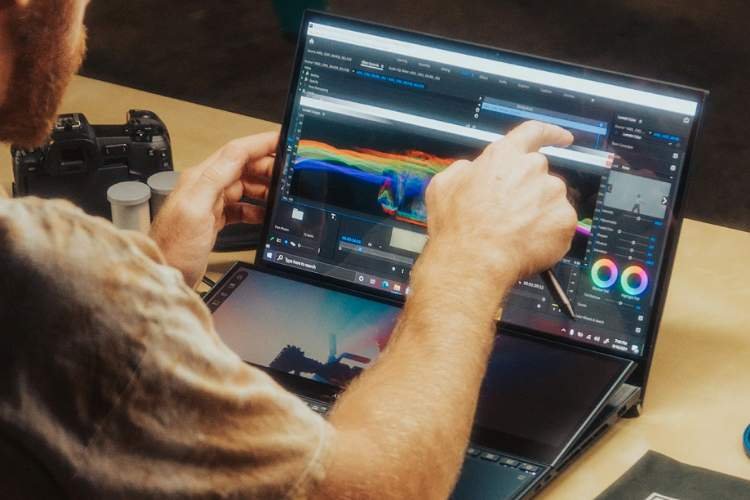
 Graphic designers and artists choose Photoshop as a central organizing tool in problem-solving and refining images. Learning Photoshop skillfully involves developing good practices and not simply shortcuts in methods of solving design and artistic problems. These five suggestions are examples of tips that designers and artists can use to improve performance and skill development as they work with Photoshop and in solving design and artistic challenges:
Explore Various Fields to Broaden Perspective
Growth gets enhanced when artists tend to move into unexplored domains. When artists switch to illustration, photography, typographic design, or even product design, it acts as a gateway for different perspectives and surprising results. Learning from graphic design enables a person to enhance their layout sense, no matter what the primary intention is. Every field brings forth a distinct set of principles. Adopting those principles enables a person to enhance problem-solving skills and also resist stagnation of creativity. Learning from other domains of design makes a person more adaptable to visual concepts.
Experiment With Different Styles
Experimenting with styles boosts creativity. Juxtaposing Minimalist style with Surrealism or retro graphics with an Abstract background opens minds to the unexpected capabilities of a project. Experiments with a different color palette or set of artistic rules help take risks with less long-term commitment to the outcome. This approach also helps to distinguish personal preferences through contrasted exposure. Some project work focused on fine art for print can also fine-tune the reproduction of texture and the handling of tonal value for a better understanding of many artistic endeavours. Personal mini-projects can shift the burden from the outcome.
Invest in the Right Tools
Quality tools facilitate quality work. A responsive tablet, calibrated monitor, and storage system safeguard health and output. Digital resources are essential, too; selective plugins, fonts, and assets increase capabilities. Many professionals choose to purchase excellent Photoshop texture brushes that add realism and depth while saving hours of manual detailing. Such investments make the workflow smoother and improve the output images without the need for complications. Acquiring each one in depth enables one to extract maximum benefit from all investments.
Build an Efficient Workflow
Efficiency starts with organization. Personalized shortcuts, well-structured layers, and organized files simplify extended editing. Action setup is helpful to save the energy of the creator for artistic decisions rather than dedicating them to technical decisions. Colored layers, smart objects, and layers of adjustment are versatile and helpful while editing the images. Naturally functioning workflow systems enhance the concentration of the creator on the arrangement and message of the final artwork, rather than searching through the menu options or correcting errors that can be avoided. Backups save the developments of the creator even when there are unexpected problems.
Practice Non-Destructive Editing and Review
Non-destructive methods retain flexibility. Adjustment layers, masks, and smart filters facilitate iterative improvements. Stepping back to view progress is useful for examining work for imbalance and unforeseen opportunities. The side-by-side comparison of different versions assists in decision-making to either communicate positively or negatively. The incremental save option helps retain ideas, which facilitates fearless experimentation with edits. Scheduled review activities ensure objective judgments instead of acting on impulses. The practice improves decision-making skills.
In conclusion, to create effective work, one must cultivate both mentality and technique. Rounding out work habits, considering various disciplines, experimenting with different approaches, picking tools that facilitate their work, and following non-destructive workflows are essential steps that, in combination, help unlock even greater consistency and originality in artwork. Each of these five tips promotes gradual development over superficial solutions. When mastered, Photoshop skills not only utilize a powerful program but also a launchpad for creative ideas that develop into refined, artistic expressions.